Onepage AI 2.0 Beta
You're in!
Here's how to start the beta
Only three simple steps to start
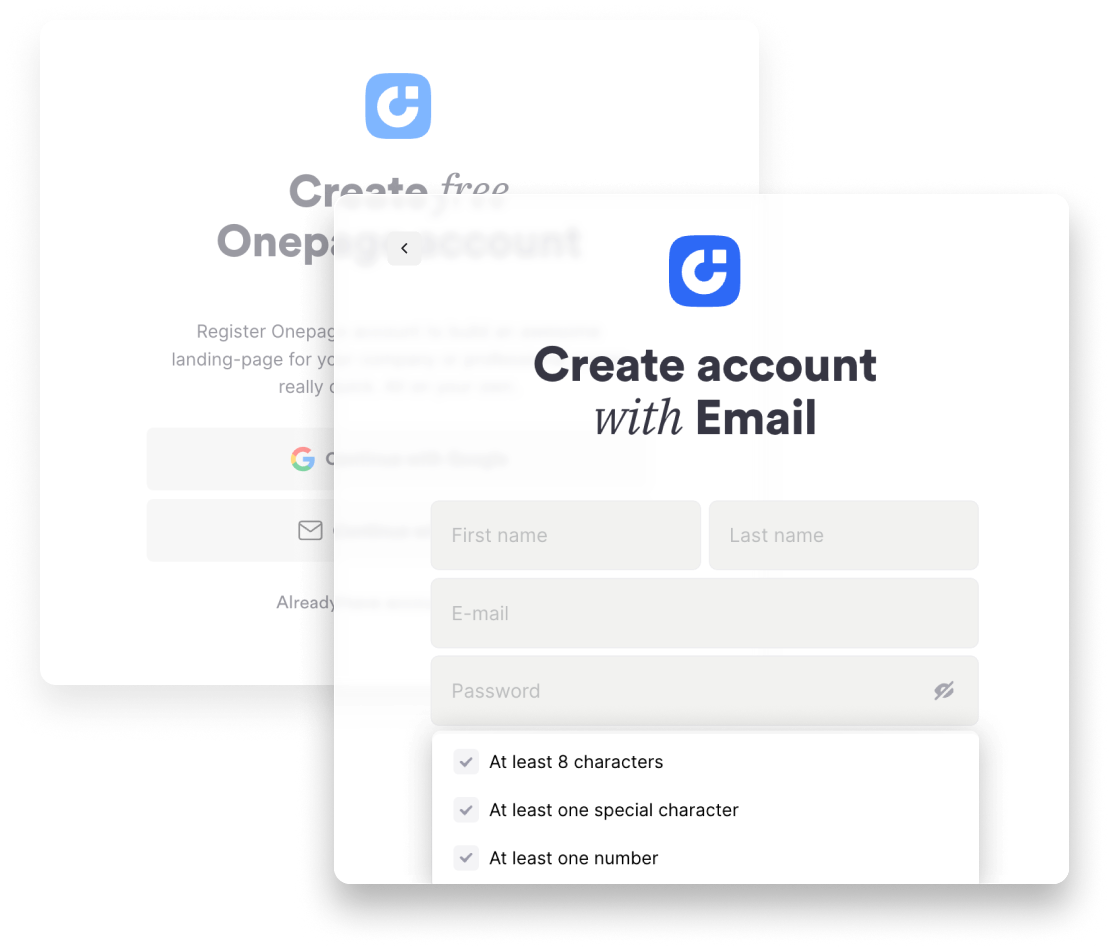
Create your Onepage account
If you're not using Onepage yet, sign up on this page. Existing users can just skip this and sign up.
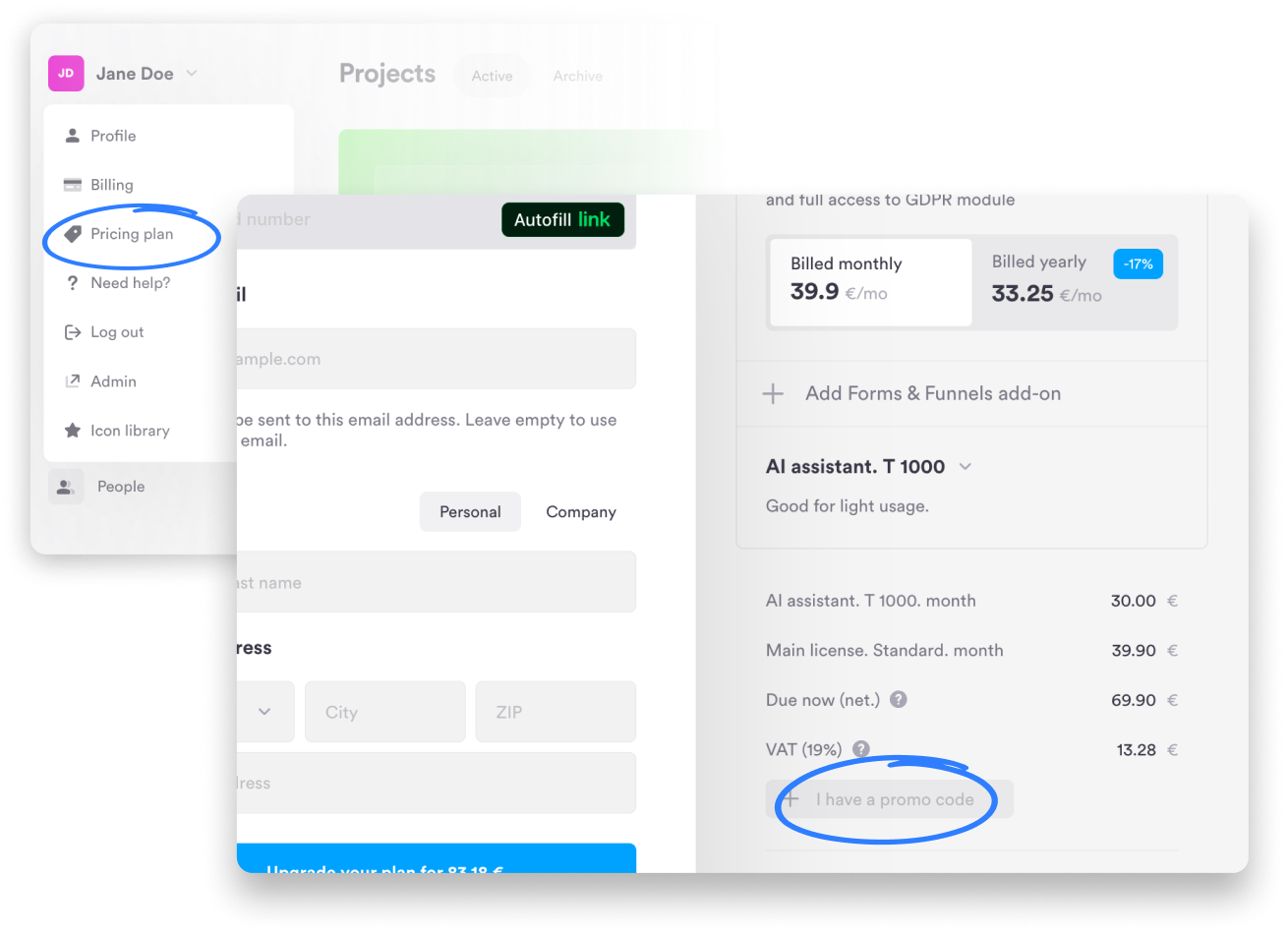
Use the code BETA99FRINT
Whether you're an existing customer or have just signed up: Click on your name in the dashboard → Pricing Plan, and simply enter the code BETA99FRINT to unlock a license and the AI Upgrade at 99% off for your first month. Our recommendation: Use the Standard license and the affordable "T1000" AI Upgrade. However, you can choose any plan that suits your needs. The 99% discount applies to your first month. After that, your plan automatically renews at the regular price - but again, you can cancel anytime.
Get beta access
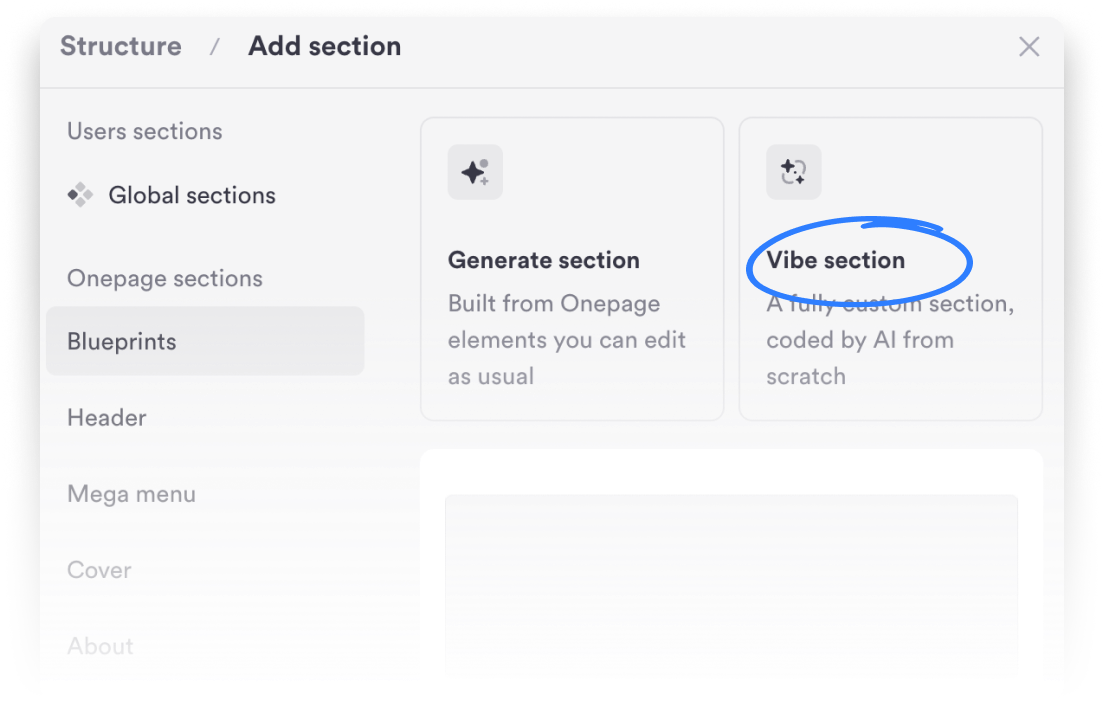
Once you've successfully signed up for your package using the code, you'll immediately receive a link to the beta interface. There, you can easily create a new page, add a section, and select "Vibe Section" to bring your ideas to life with the AI assistant.